Samsung SmartThings - Install Guide
Photo & description
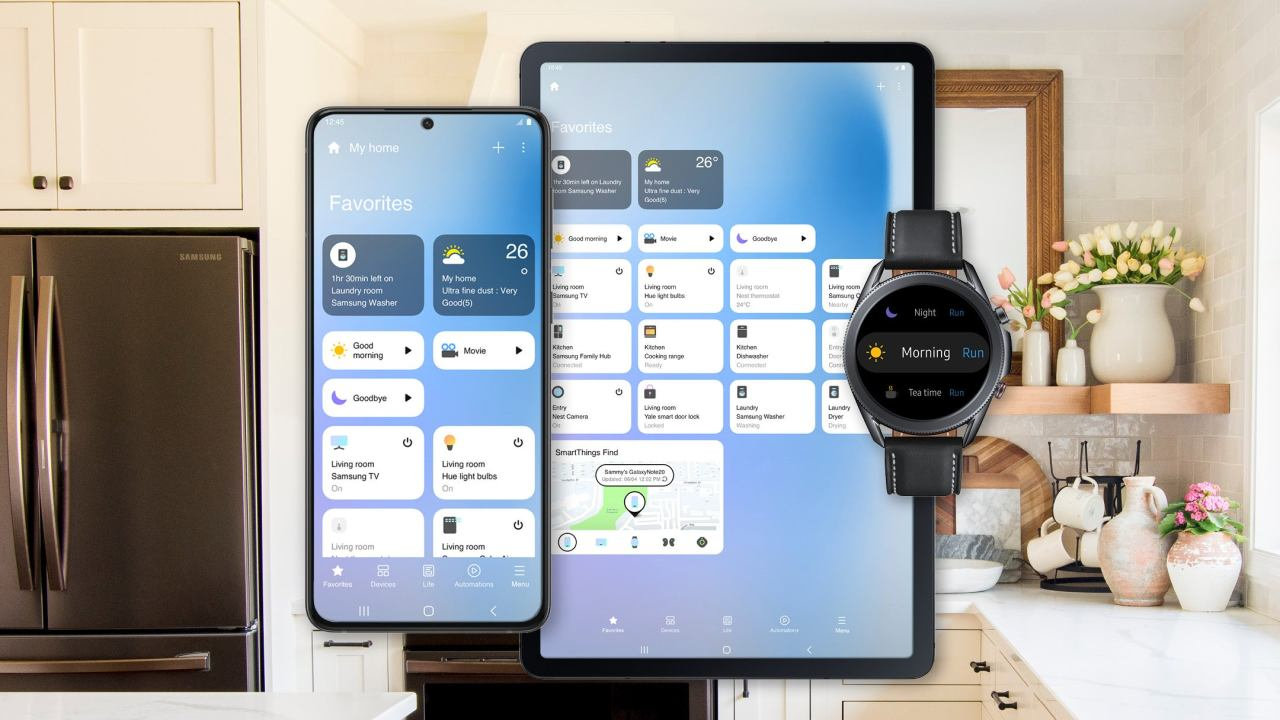
iZone is native to Samsung SmartThings, so controlling your iZone system is simple to set up and use.
Installation
Before you get started
You will need to set up an iZone Worldwide account.
Link Samsung SmartThings & iZone Worldwide accounts
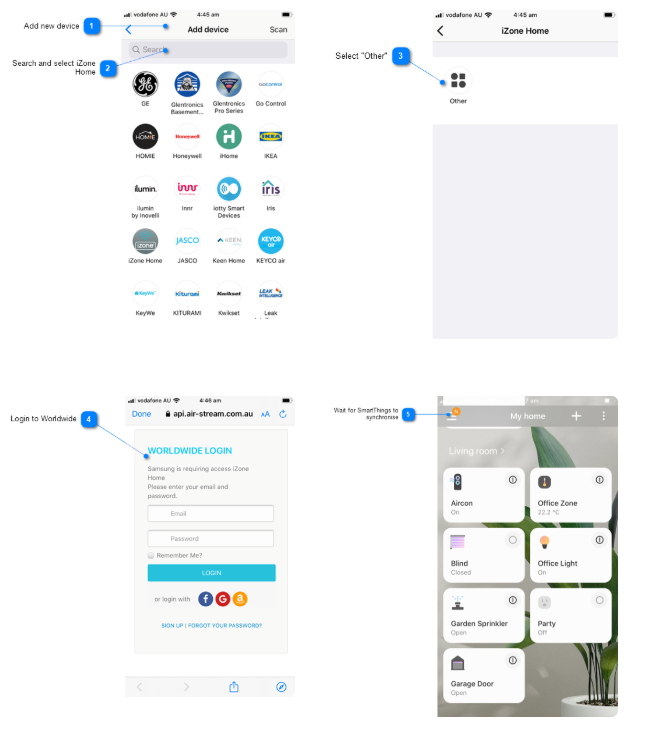
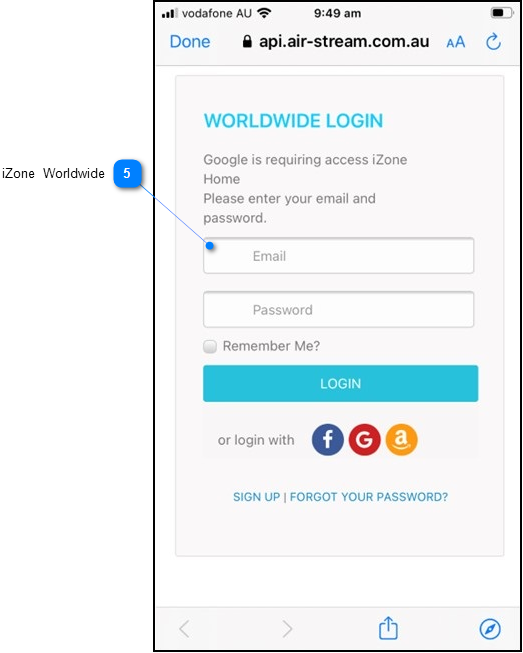
- Add New Device: Navigate to "Add New Device", search "iZone Home"
- Search and Select iZone Home: Search and select "iZone Home" in the list of supported devices
- Select "Other": Select Other to go to the iZone Worldwide login
- Login to Worldwide: If you do not have an iZone Worldwide account, click here for instructions on how to set one up
- Wait for SmartThings to Synchronise: Wait for SmartThings to synchronise your iZone Home components and finish the setup