Light dimmer module
Part number: CACD
Overview
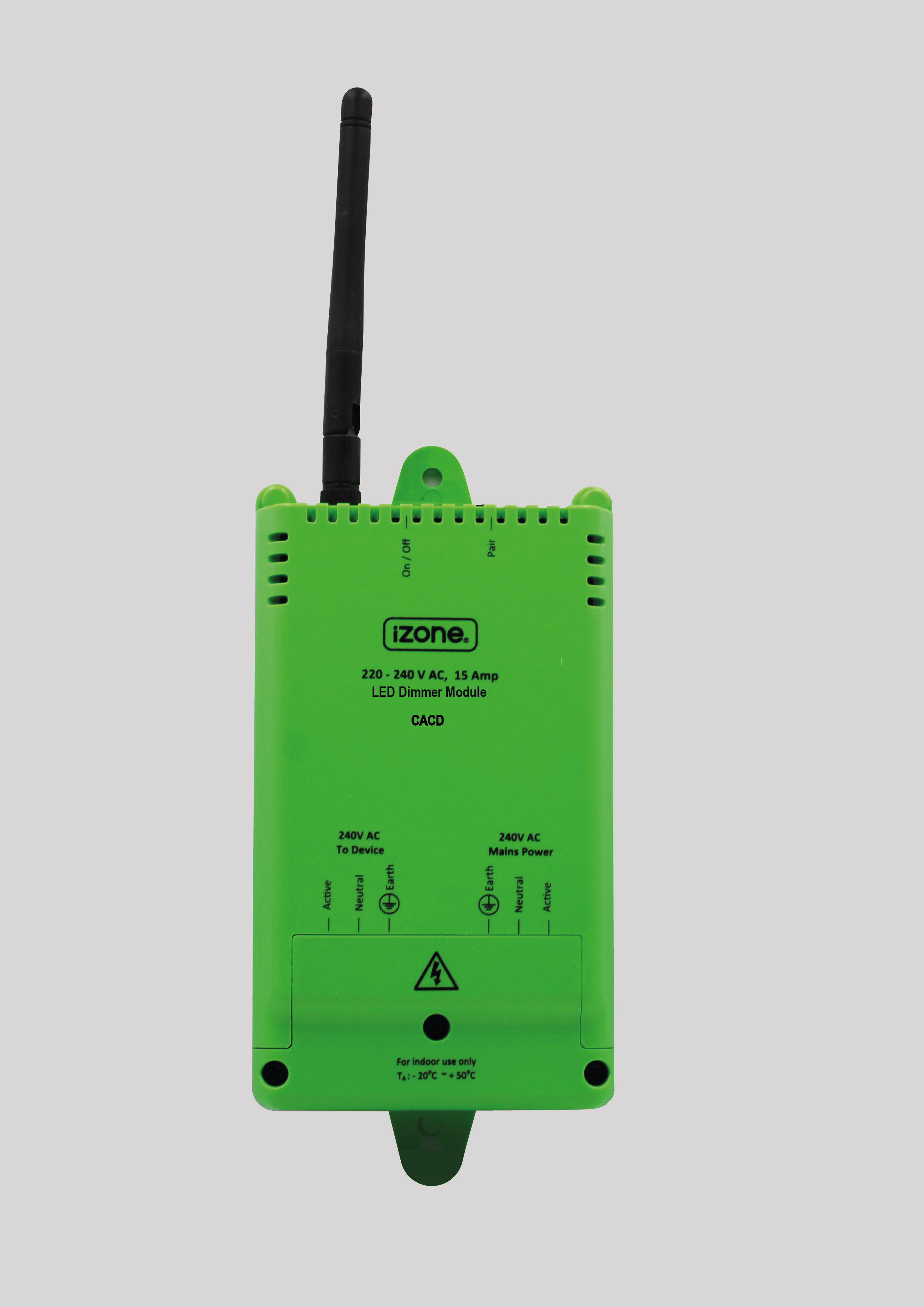
The CACD is a hard-wired mains LED dimmer module using 433MHz RF for control. Installed in the roof space on a permanently powered lighting circuit, controlled via iZone wireless switches, the app, or schedules.
Not suitable for ceiling fan speed control. Conventional wall dimmers cannot be used on the same circuit. Requires a COCBH Smart Hub.
Installation Guides
Must be installed by a licensed electrician in accordance with AS/NZ 3000:2007.
- Switch power off at the switchboard.
- Remove the terminal cover.
- Cut the circuit and terminate wiring as indicated on the casing.
- Use the wiring restraint cable ties provided.
- Test dimming using the manual On/Off button.
- Ensure the antenna is screwed in tight and pointing vertically upwards.
- Pair to the Smart Hub by pressing and holding the pair button on the module while pressing Pair in the iZone app.
User Guides
TBC
Troubleshooting
No known issues.
Specifications
| Specification | Description |
|---|---|
| Model number | CACD |
| Certification | AS/NZS 61058 · C-Tick N29007 |
| Power supply | 220–240VAC 50Hz (hard wired) |
| Maximum load | 1A |
| Control frequency | 433MHz |
| Operating temperature | -20°C to +50°C |
| Dimensions | 150H × 85W × 36D mm (fits standard 95mm downlight hole) |
| Weight | 220g |
Firmware and Updates
TBC