Wireless repeater
Part number: CR
Overview
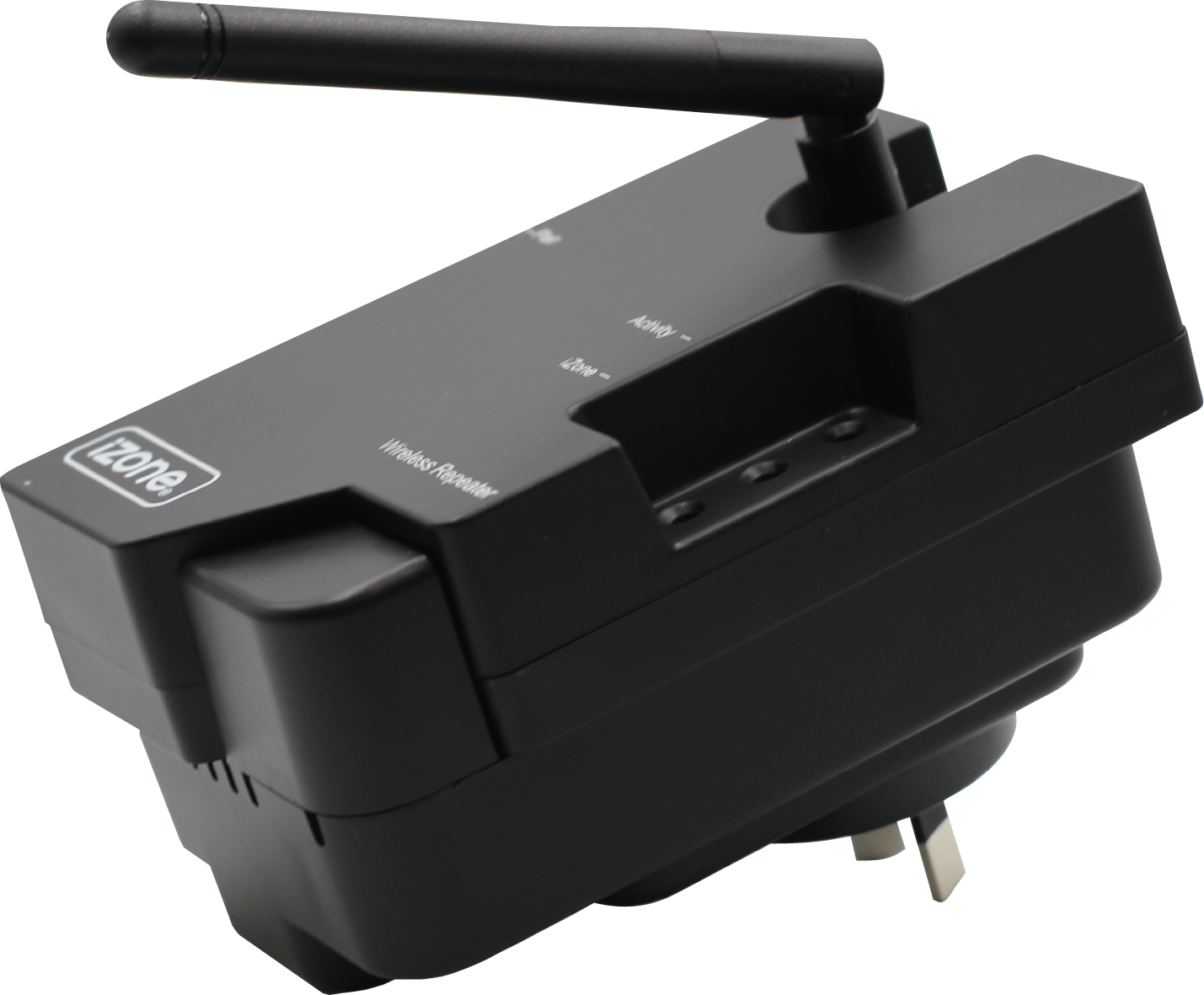
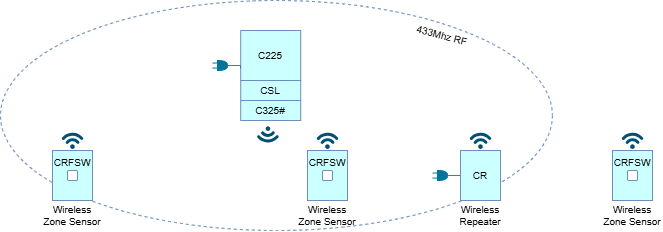
The CR Wireless Repeater extends the 433MHz wireless range of iZone systems. Use when Wireless zone sensors (CRFSW) are not within reliable RF range of the CPU Module (C225).
Installation Guides
Location
Install the CR at a GPO socket in the living area within the 433Mhz range of the CPU Module (C225), usually within 10-15m from the C225. Make sure that the antenna is securily fastend and pointing upwards.
Pairing
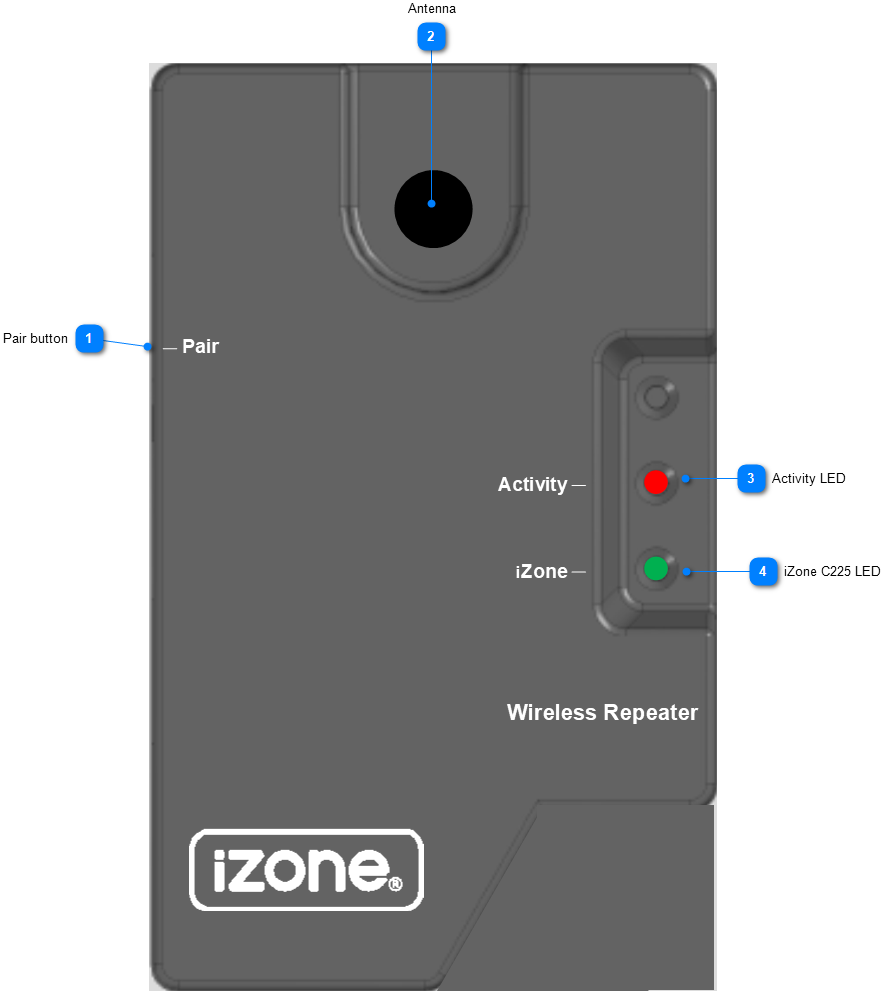
Make sure the CR is powered on. You can use any of the following methods to pair a CR to the C225.
| Using | Steps |
|---|---|
| Nexus+ Touch Screen (CCTSL+) | * Press and hold the Pair button on the CR * On the Nexus home page, tap Pair 🔗 button |
| CPU Module (C225) | * Press and hold the Pair button on the CR * Tap the Pair button on the side of the C225 |
| Nova user interface | * Press and hold the Pair button on the CR * On the Nova, select MENU ➔ Devices ➔ Add Devices + ➔ Airconditioning ➔ Wireless Repeater |
User Guides
The iZone LED should be on, this indicates that the CR is communicating with the CPU Module (C225). If the Zone LED is off, the C225 is either out of range, powered off or the CR is not paired. The Activity LED will flash intermittently, indicating activity on the 433Mhz iZone network.
Troubleshooting
No known issues.
Specifications
| Specification | Description |
|---|---|
| Power supply | Built in AC/DC Adaptor Input:240VAC ~0.3A Output: 5V ~1A |
| Casing material | Fire retardant ABS plastic |
| Operating temperature | Up to 45⁰C |
| Communications | RF 433 MHz - Wireless |
| Dimensions | 60H x 61W x 110L mm |
| Weight | 213g |
Firmware and Updates
CR 3.24 – Mar 2026
- Ensure all wireless temperature sensor messages are repeated
CR 3.23 – Mar 2019
- Fix EEPROM memory location