Network Extension Module
Part number: CNEM
Overview
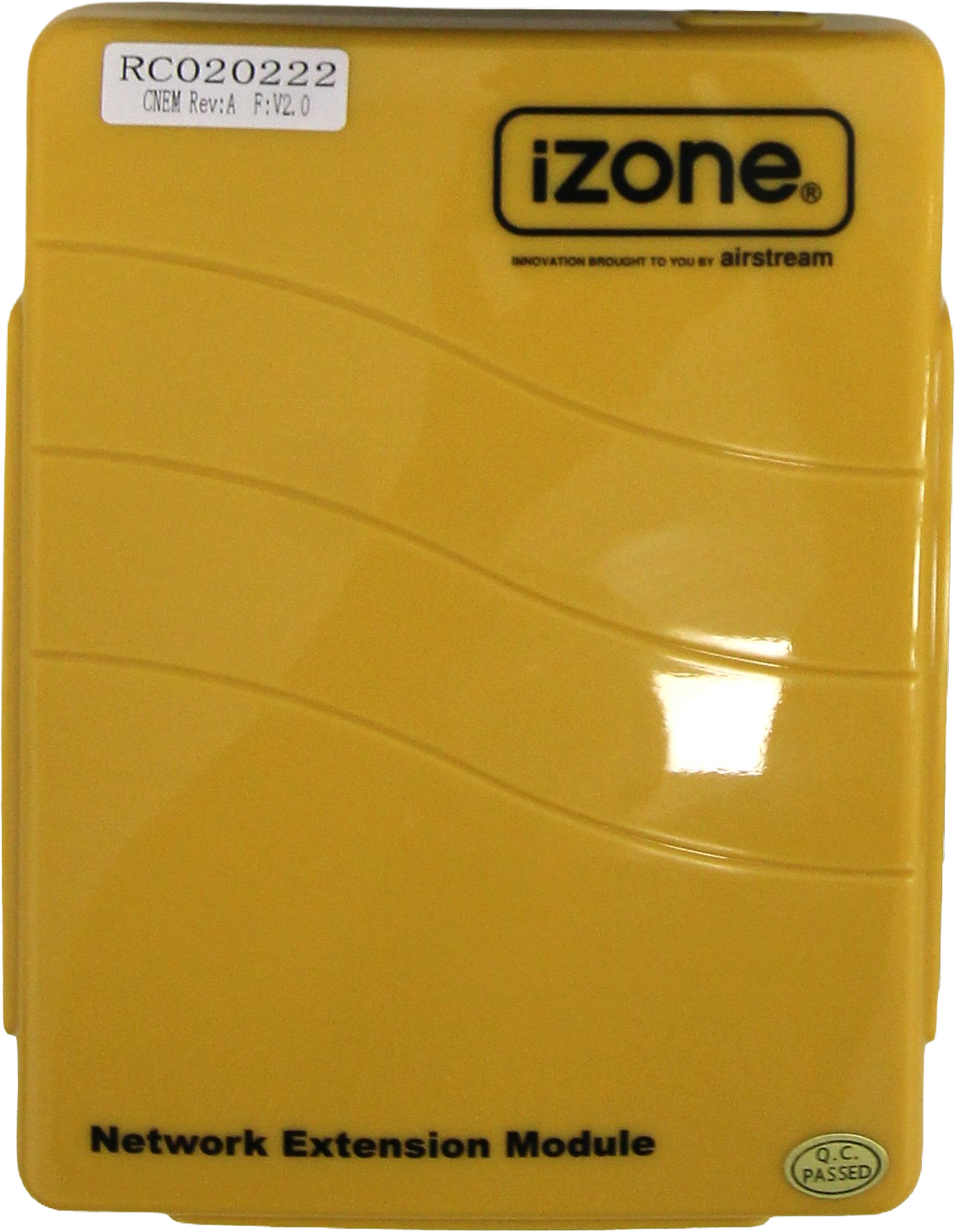
The Network Extension Module (CNEM) allows additional Nexus+ Touch Screen (CCTSL+) or iSense Controllers (CZCOW) to be connected to the CPU Module (C225) when the C225's built-in iZone NET ports (RJ45) are already occupied. The CNEM supports up to 10 iSense controllers. The CNEM module forms part of a Network Exention Kit (CNEMK), which is made up of a Network Exention Module (CNEM), 24VAC CPU transformer (CT24ACE) and a 1m CAT5 cable (CFC1S).
Installation Guides
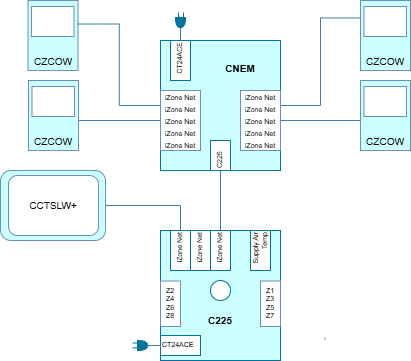
Connect the C225 and other wall controllers as per the wiring diagram below. There are 10 iZone Net ports from which screens, or iSense controllers can be connected. Refer to the iSense Controller (CZCOW) for more information on how to install these controller once connected.
User Guides
Each of the Nexus+ Touch Screens / iSense Controllers will display the same system information. Refer to the iSense Controller (CZCOW) user guides for more information.
Troubleshooting
No known issues.
Specifications
| Specification | Description |
|---|---|
| Power supply | 24VAC 50Hz |
| Communications | RJ45 CAN |
| Operating temperature | Up to 65⁰C |
| Dimensions | 30H x 118W x 155L mm |
| Weight | 227g |
Firmware and Updates
CNEM 2.0 - Aug 2011
- First release