Nimble Wall Controller
Part number: C110WC
Overview
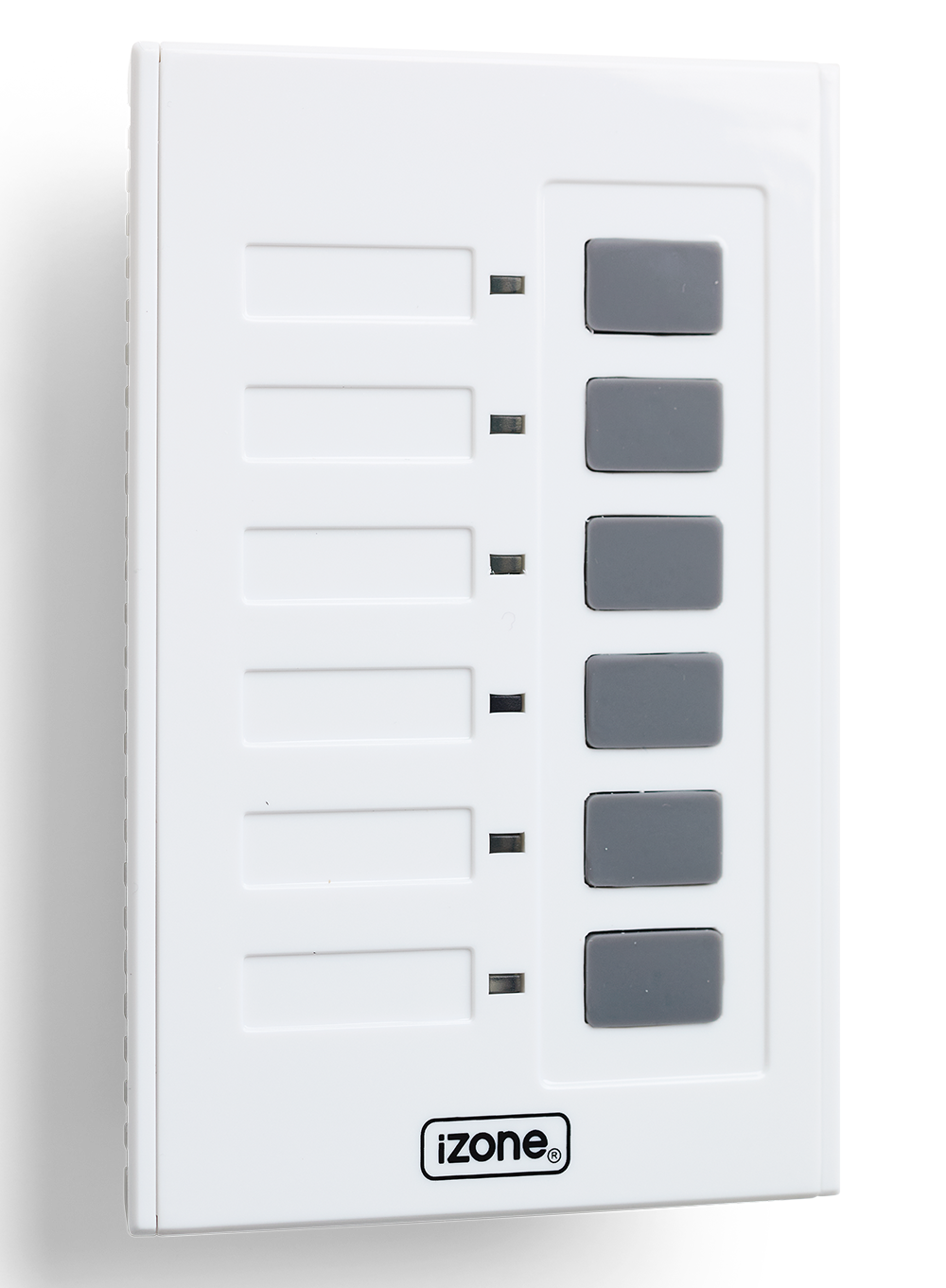
The C110WC is the simple push-button wall controller for the Nimble Zone Control kit (C110K). Features 6 illuminated zone buttons for open/close control. Connects to the Nimble Master Controller (C110MC) via CAT5 cable.
Installation Guides
- Install the wall‑controller bracket in an appropriate location.
- Run the CAT5 cable through the wall and connect it to the back of the wall controller.
- Label all zones using the stickers provided.
User Guides
- Press the button to open/close a zone.
- The LED will illuminate when the zone is open
Troubleshooting
Specifications
| Specification | Description |
|---|---|
| Power supply | CAT5 from the Nimble Master Controller (C110MC) |
| Power and communication | RJ45 |
| Communications | RS485 |
| Number of zones | 1 to 6 |
| Dimensions | 21H x 81W x 122L mm (excludes RJ45 connector) |
| Weight | 108g |
Firmware and Updates
C110WC 1.00
- First release