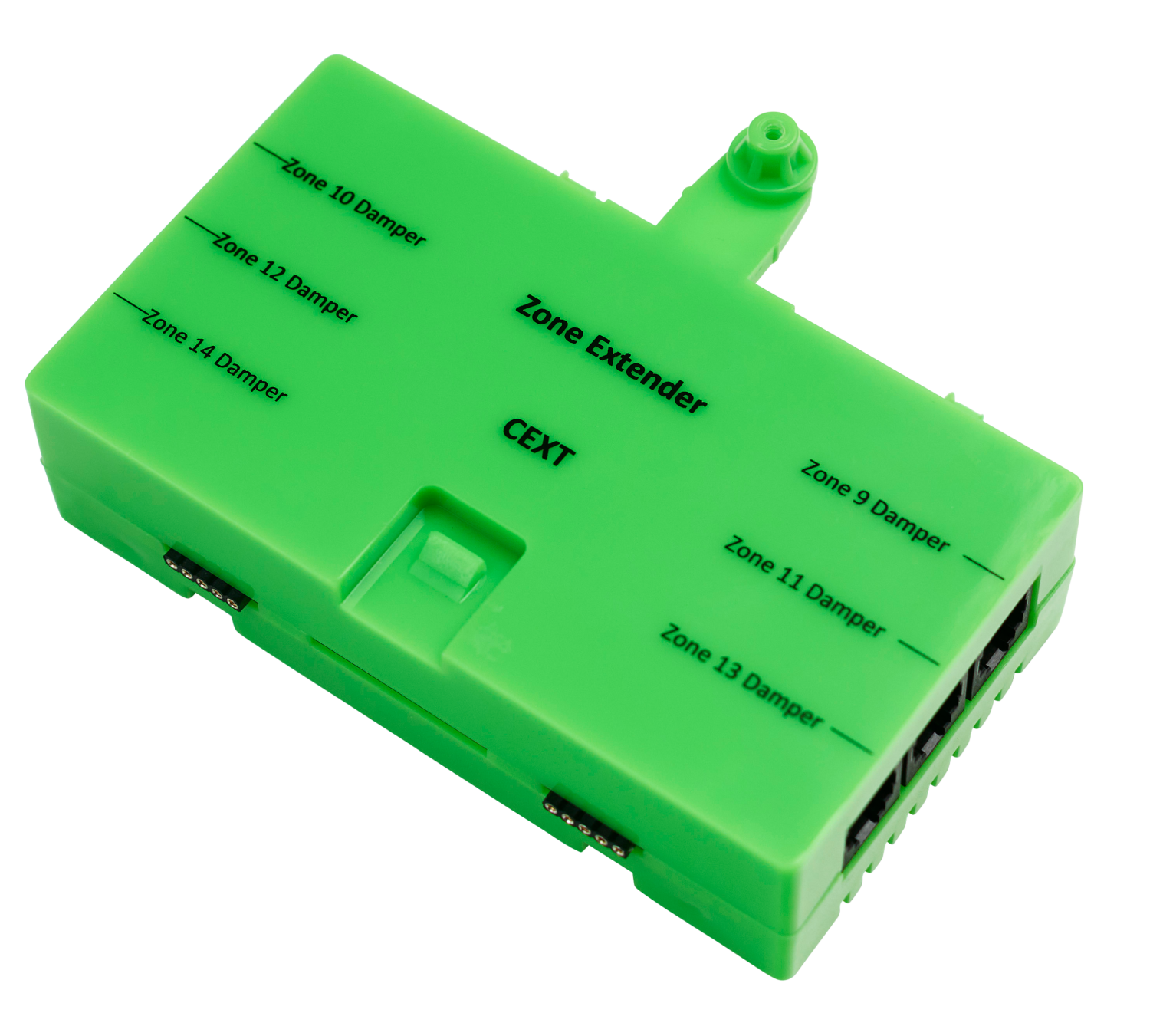
Zone extender module
Part number: CEXT
Overview
The CEXT extends zone capacity for the CPU Module (C225) from 8 to 14 zone ports for larger systems with more zones.
Installation Guides
Turn the power off and connect the CEXT module. The order of modules C225 ⇒ CSL ⇒ CEXT ⇒ C325# module (see How-To Guide).
On the Nexus classic user interface:
- Enter settings: From the home screen select Config ➔ Password WAMFUD
- Increase the number of zones: System Config ➔ No. of zones
- Change the zone type: System Config ➔ Zones setup ➔ change zone type
On the Nexus Modern user interface:
- Enter settings: From the Home screen select SETTINGS ➔ Configuration ➔ Configure Air Conditioner ➔ Password WAMFUD
- Increase the number of zones: SYSTEM tab ➔ Number of Zones
- Change the zone type: ZONES tab ➔ change zone type
On the Nova user interface:
- Enter installer mode: MENU ➔ Settings ➔ Installer ➔ Enter installer code ➔ Submit
- Increase the number of zones: MENU ➔ Settings ➔ Select the system under System Settings ➔ AC Unit ➔ Number of Zones
- Change the zone type: MENU ➔ Settings ➔ Select the system under System Settings ➔ Zone # ➔ Zone type
User Guides
Simply open/close the additional zones as normal.
Troubleshooting
No known issues.
Specifications
| Specification | Description |
|---|---|
| Power supply | From C225 connection |
| Casing material | Fire retardant ABS plastic |
| Operating temperature | Up to 65⁰C |
| Communications | CAN Bus |
| Number of zones | 9 to 15 zone ports with RJ12 connectors |
| Dimensions | 32H x 119W x 65L mm |
| Weight | 113g |
Firmware and Updates
CEXT 1.5 - Oct 2022
Disable over current monitor for Belimo motors.